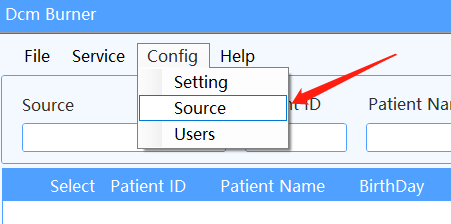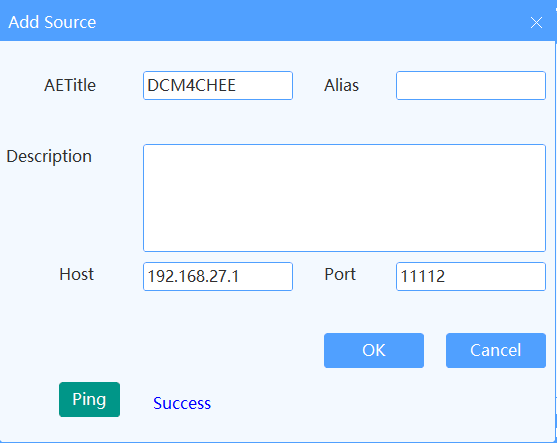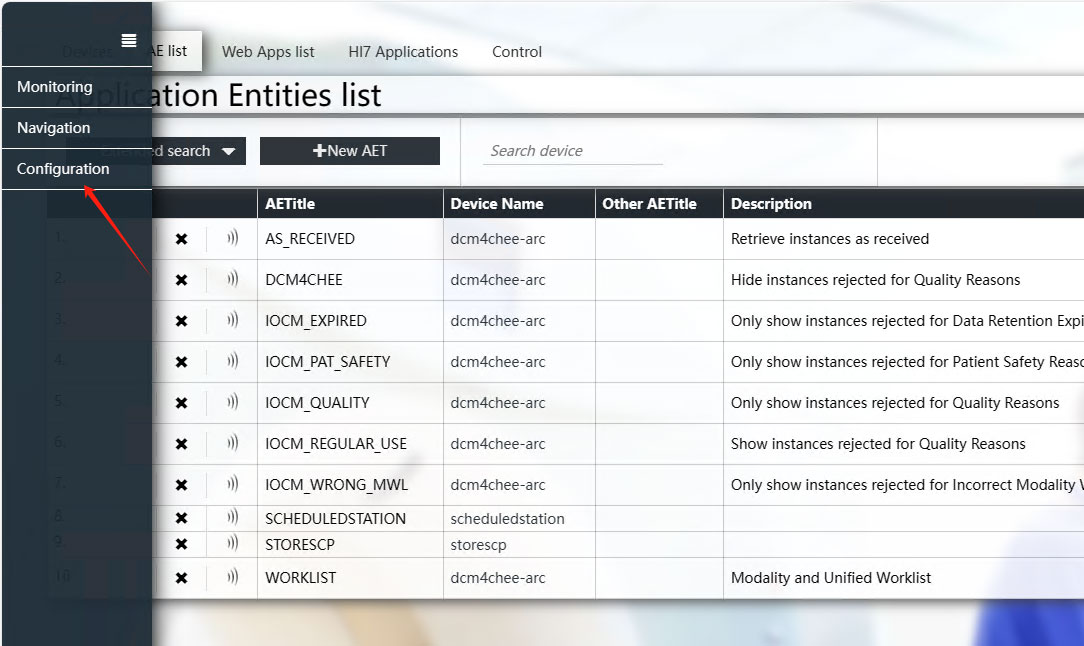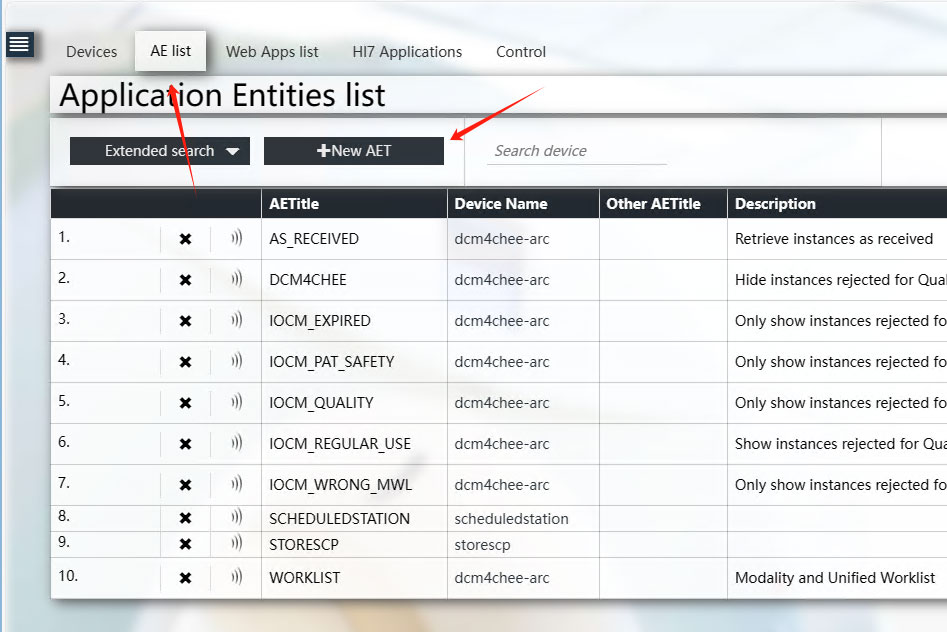
STEP 1 - FINISH Dcm Burner Config
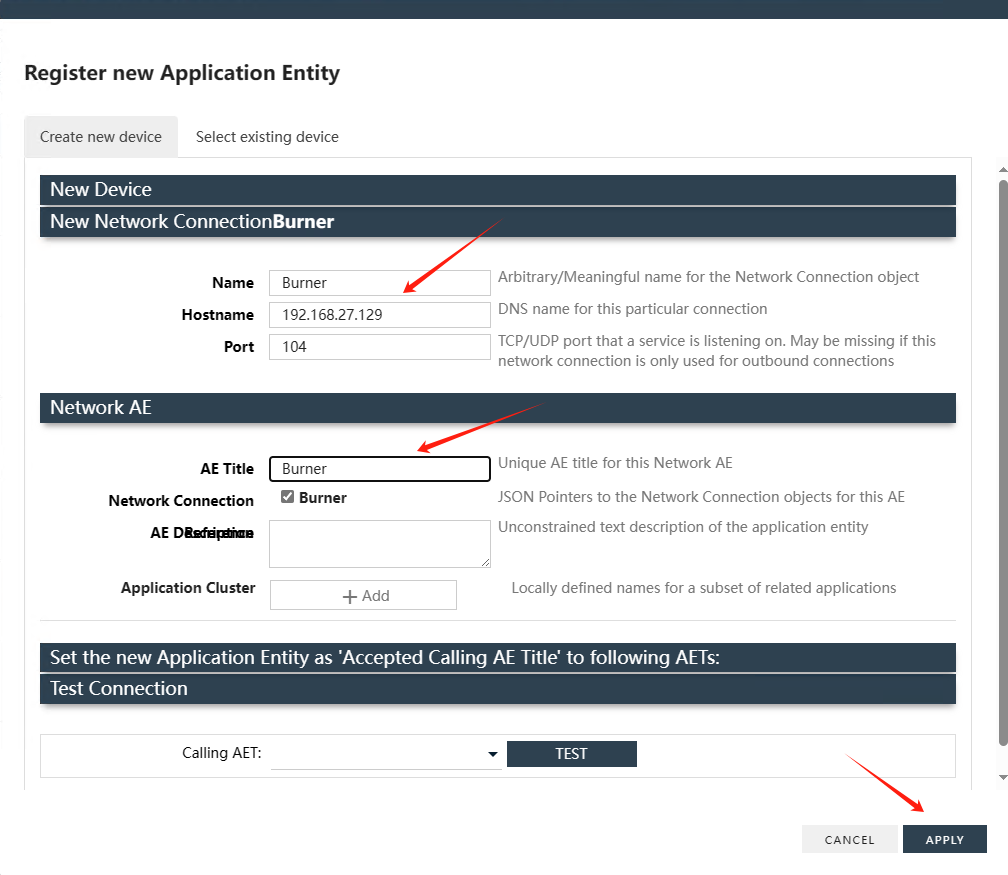
1. Setup AETitle And Port
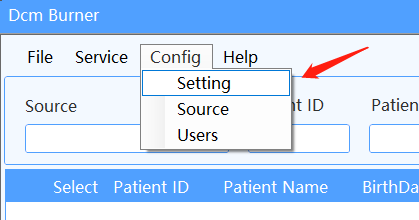
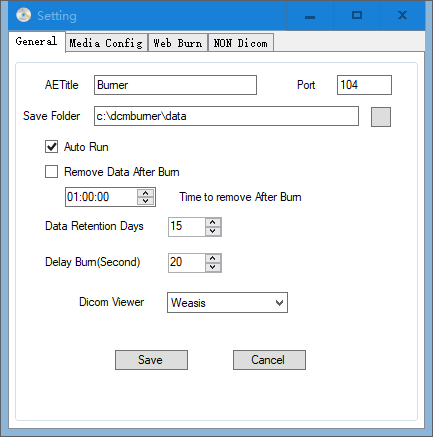
Choose Config menu, select the Setting module, Choose General Option, And Input AETitle and Port, Then Click Save Button. Default AETitle is Burner, and Default Port is 104.
2. Burner Media Config
Choose Config menu, select the Setting module, Choose Media Config Option, And Choose Media Target To EPSON CD or EPSON DVD for Burn Media as Default.
Select Job Folder Path which Burn Job Data to Save.
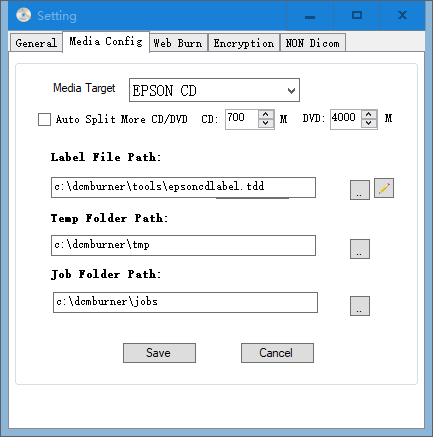
Notice: Job Folder Path Must Same with Epson TDBridge watch folder, Default is C:\dcmburner\jobs